 WisBridge
One connection for everyday work
Clear video with synced audio, keyboard and mouse, clipboard and file transfer, PiP, magnifier, and capture tools — WisBridge makes the remote desktop part of your everyday workflow.
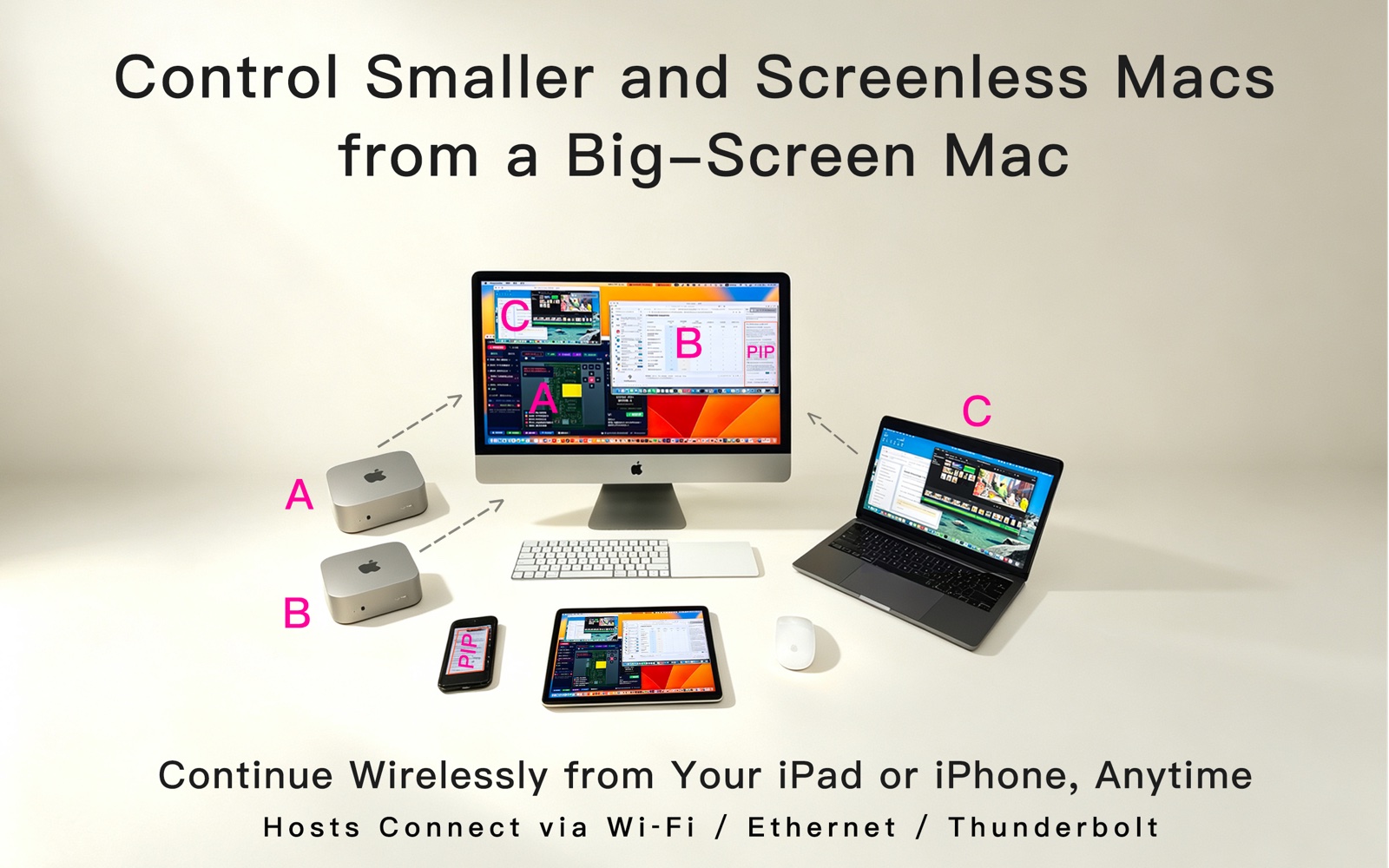
One Workspace, More Macs
Put a compact Mac, a screenless Mac, and your everyday work Mac in the same familiar workspace. Lite controls 1 Host at a time; Pro controls up to 3 at once.
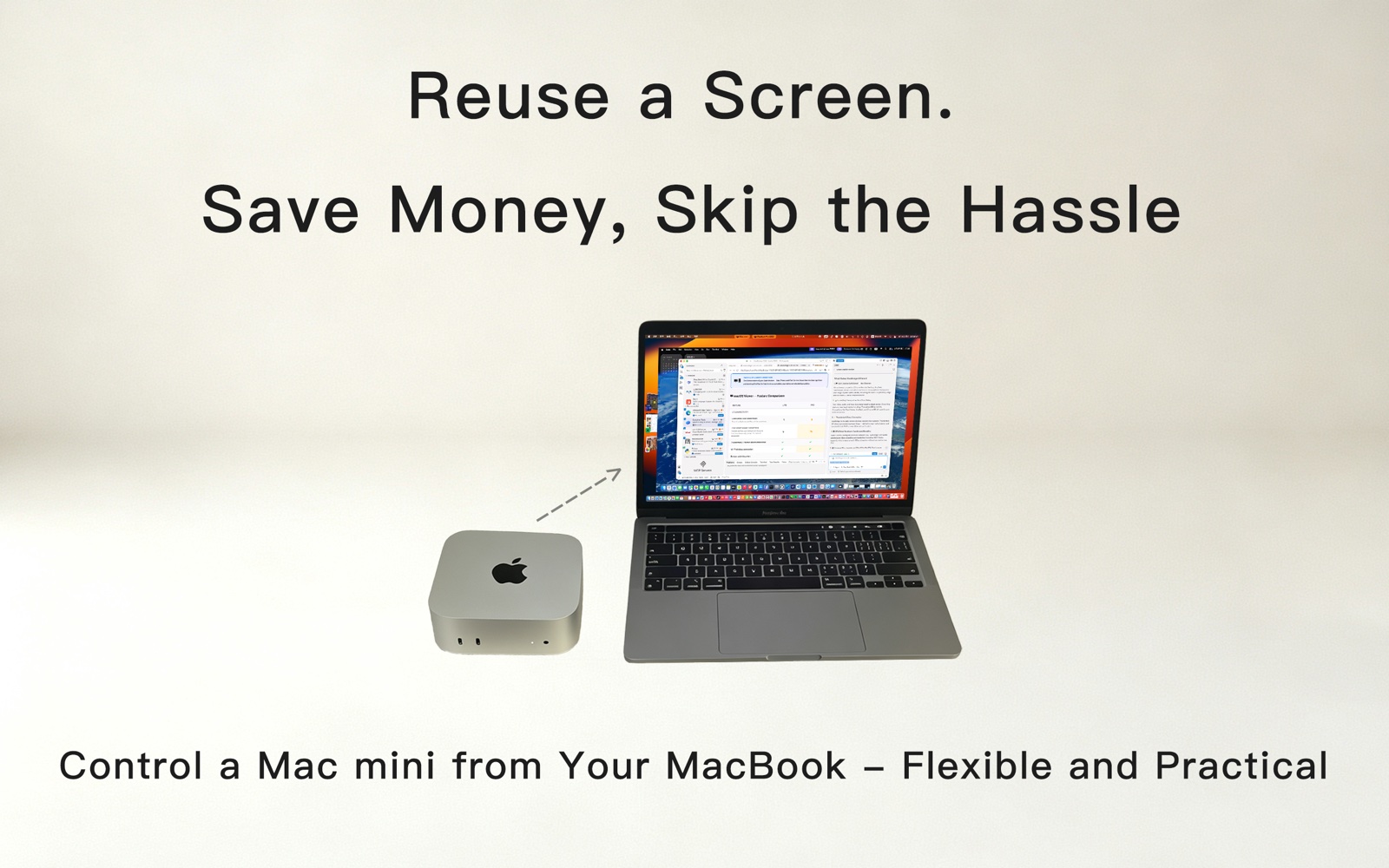
Keep the Screen You Love
Keep using an iMac or MacBook display, keyboard, mouse, and speakers you already enjoy while another Mac does the work.
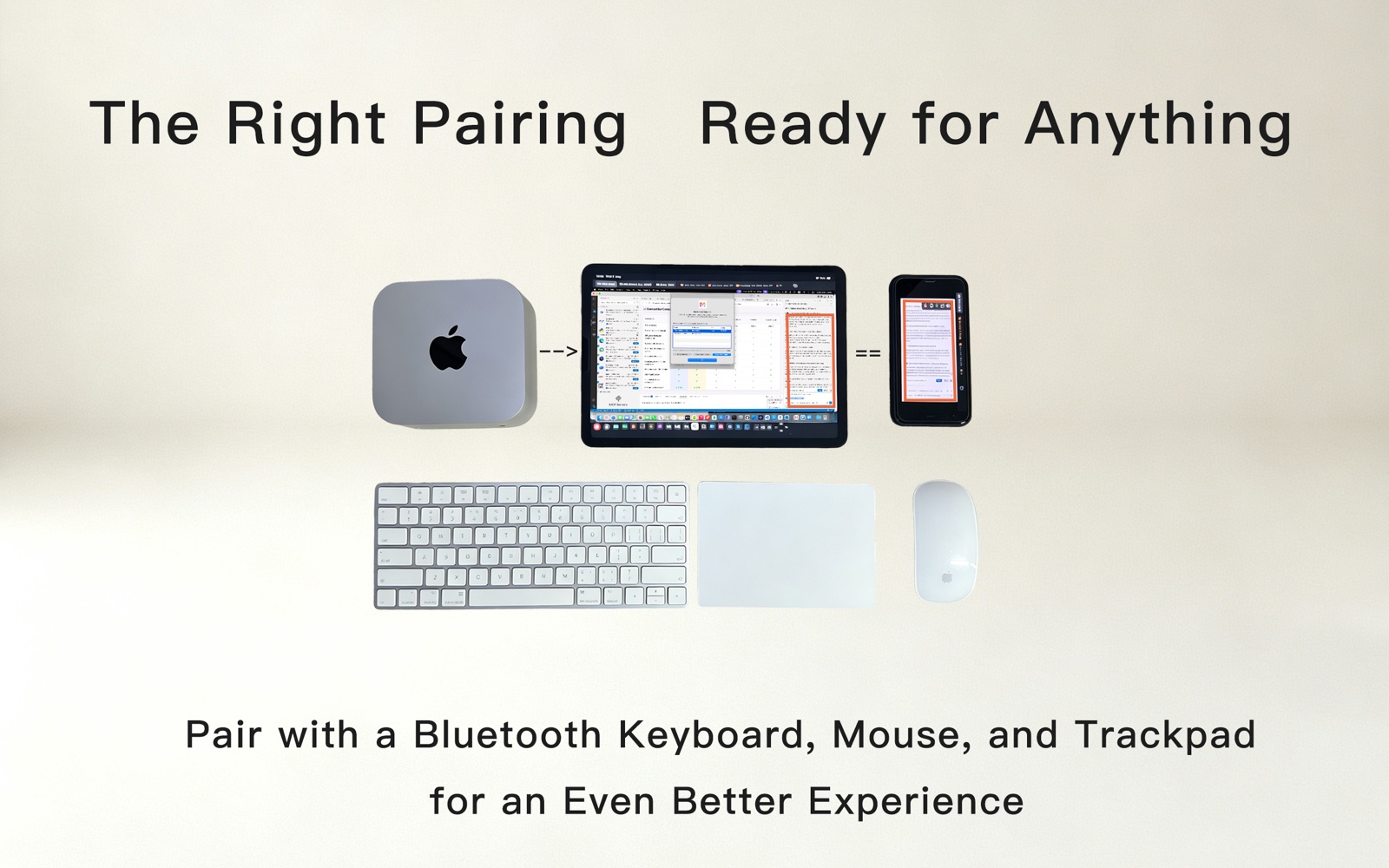
Pro: 3 Interactive Mac Views
Place up to 3 interactive Host PiPs on one desktop. Click, type, zoom, and pan directly in each one while your main work stays in view.
Signal & Display
Clear video, synchronised audio
GPU and Metal hardware acceleration with Retina support keeps the remote desktop crisp and responsive, with system audio travelling alongside the picture.
Signal & Display
Easy, Pro, Max display modes
Pick the mode that fits your network and the way you work: Easy for fast reading, Pro for crisp text, Max for a large canvas with many windows.
Connectivity
Multi-Host concurrency
Lite controls 1 Host at a time; Pro controls up to 3 at once. Several Macs, iPads, and iPhones can also view and control the same Mac together.
Tools
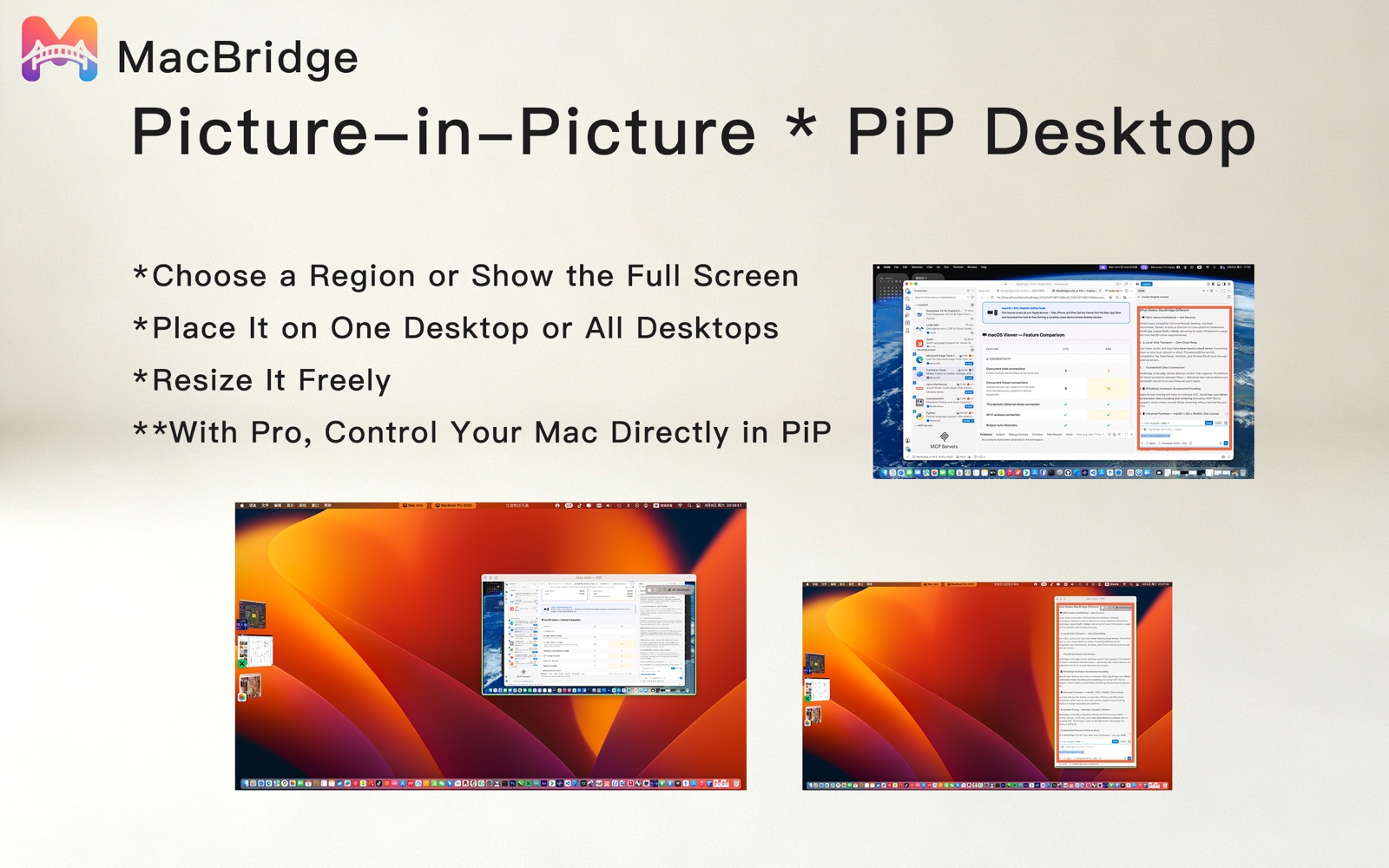
Picture-in-Picture
Watch a chosen area or the full screen in a floating window. Pro clicks, types, and copies inside each PiP, and places up to 3 interactive Host PiPs on one desktop.
Tools
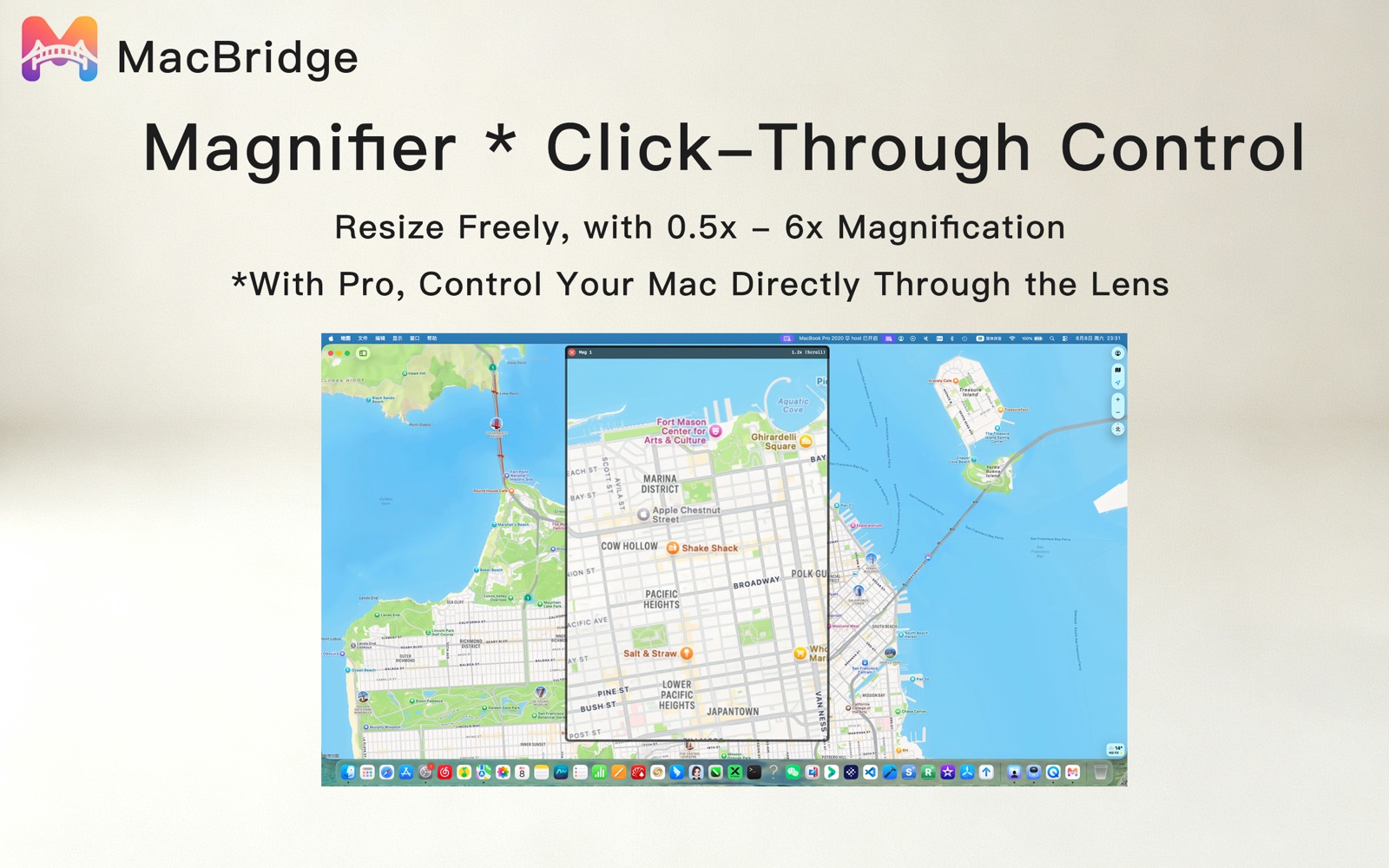
Magnifier
Zoom a selected area from 0.5x to 6x for fine inspection. The transparent viewing area passes clicks and typing through to the remote Mac, so you can inspect and operate in the same place.
Transfer
Clipboard sync & file transfer
Copy and paste text, images, and files between Macs as if they were one machine, or move files and folders through the dedicated File Transfer window. No USB drives or cloud uploads.
Tools
Screenshots & recording
Save full-screen captures as PNG on any tier. Pro records a selected area with audio as MOV - great for documentation, debugging, or sharing progress.
Control
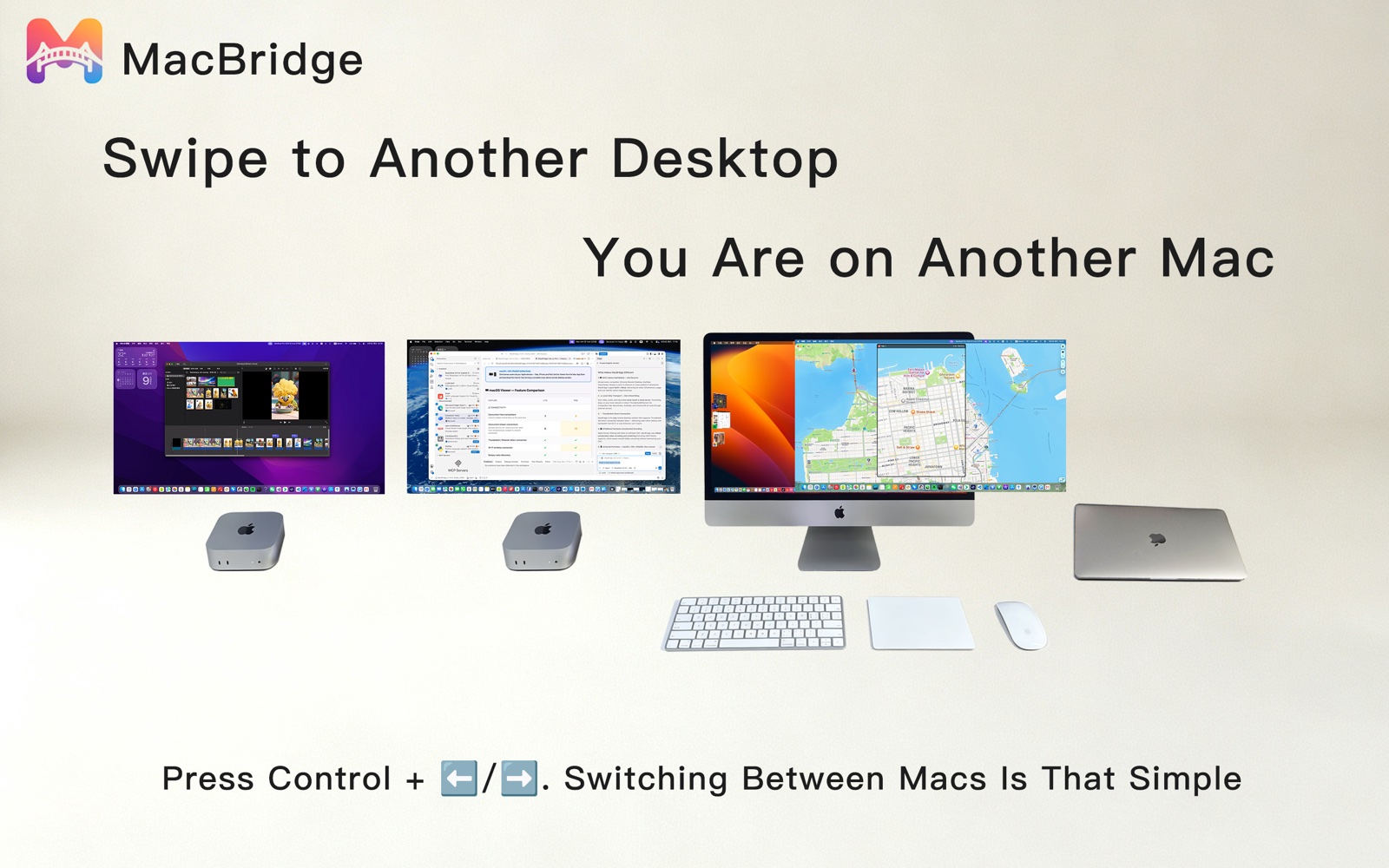
Host shortcut actions
Quick buttons for Mission Control, desktop switching, function keys, and other familiar Mac actions. Swipe desktops to switch Macs.
Connectivity
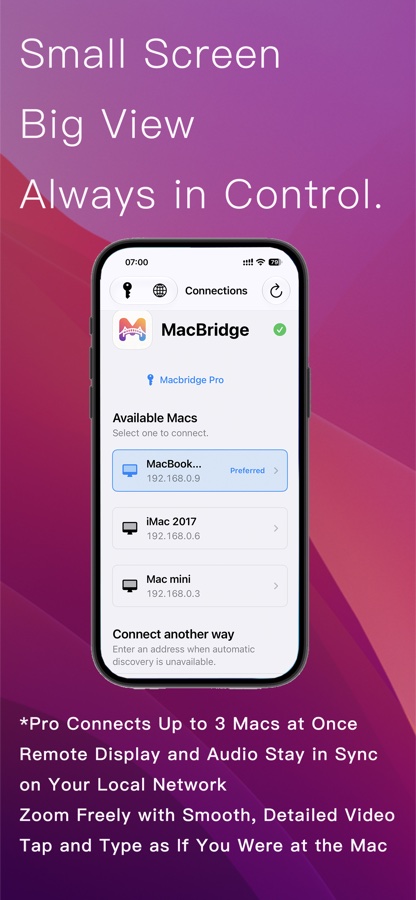
Auto-discovery & reconnect
Automatically find reachable Macs, choose an available route, and reconnect after interruptions. Manual Host address entry is also supported.
Privacy
Local or direct. Never cloud.
Host and Viewer verify each other's identity, and macOS account passwords are transmitted encrypted. Data travels only on a local network or direct route - never through the cloud.
Cross-Platform
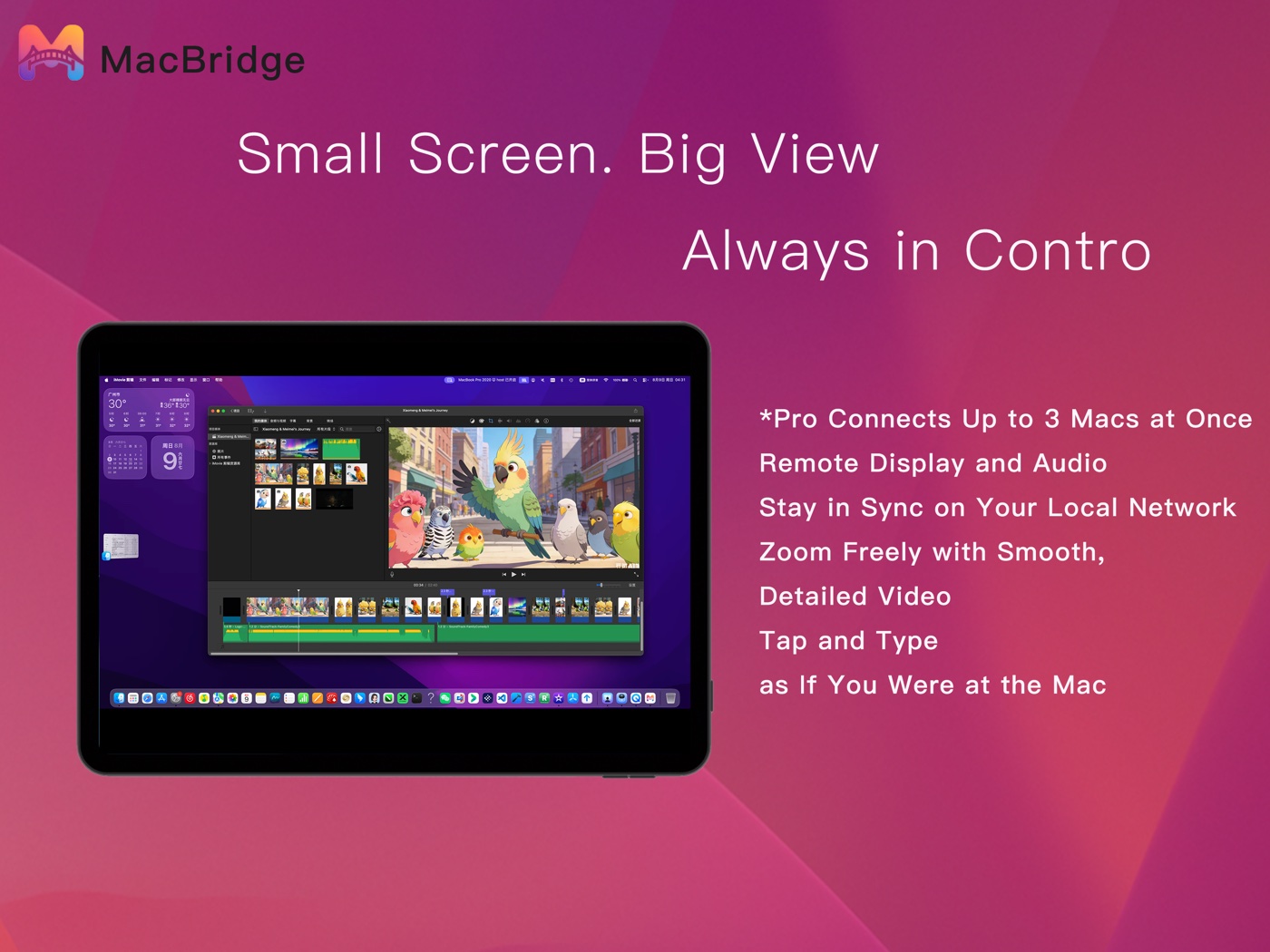
iPhone & iPad companion
The iOS Viewer (iOS 16+) is designed for small screens: zoom, locator, touch and typing made for iPhone and iPad. Pro combines several PiPs into one overview.
Real Workflows
Features that map to real setups, not spec lists.
A display you still love
Keep using a display, keyboard, mouse, and speakers you already enjoy, while a compact Mac does the work.
A screenless Mac within reach
A Mac mini, Mac Studio, or build Mac without its own display stays useful for setup, maintenance, development, or media work.
Three Macs at oncePro
With Pro, keep work, test, render, and media Macs visible without constantly changing physical inputs.
A focused workflow
Watch a render, build, dashboard, or chat region with PiP and magnifier while continuing other work.
Check in from iPhone or iPad
Check progress or perform lightweight control away from the desk with the iOS Viewer.
Local or direct, never cloud
Host and Viewer verify each other's identity; data travels only on your local network or a direct cable.